

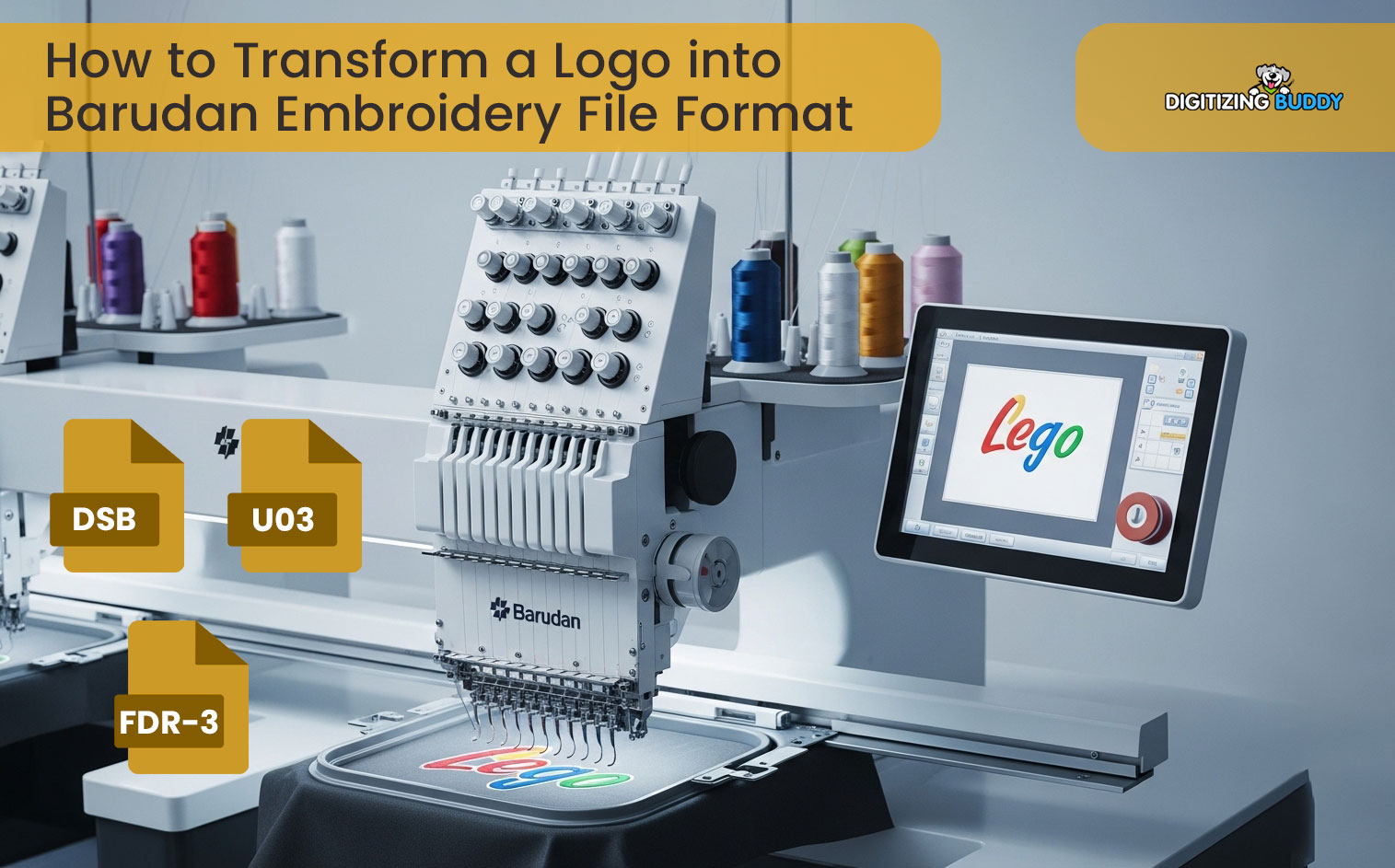
Embroidery machines need special files to work. These files tell the machine how to stitch a design. If you use the wrong file, your design may not run well. It may break the thread. It may look messy. That is why file format is very important.
Many users get confused when they start working with Barudan machines. They often hear about the Barudan Embroidery File Format, but they do not fully understand it. In this guide, I will explain everything in a simple way so you can use the right file and get clean results.
What Is an Embroidery File Format?
An embroidery file format is a digital file that stores stitch data. It tells the machine how to move, where to stitch, and which color to use.
Simple Meaning:
- It controls stitch path
- It sets design shape
- It guides the machine
Without the correct file, the machine cannot stitch your design.
Why File Format Matters
File format plays a big role in embroidery quality.
If You Use the Right Format:
- Design runs smoothly
- Stitches look clean
- Less thread breaks
If You Use the Wrong Format:
- Design may fail
- Machine may stop
- Output looks poor
So, choosing the right format is very important.
Main File Formats Used in Barudan Machines
Let’s look at the most common file types.
DST File (Most Common)
DST is one of the most used formats in embroidery.
Features:
- Simple stitch data
- Works on many machines
- Fast and reliable
Limit:
- No color info
- Limited editing
DSB File (Barudan Native Format)
DSB is mainly used for Barudan machines.
Features:
- Better machine compatibility
- Smooth stitching
- Stable output
Why It Matters:
This file works best with Barudan systems.
DSZ File
DSZ is another format used in Barudan.
Features:
- Supports more design data
- Good for complex designs
PXF File (Editable File)
PXF is not a machine file. It is used for editing.
Features:
- Stores full design data
- Allows editing
- Used in software
Other Supported Formats
Barudan machines can also read other formats.
Examples:
- PES
- EXP
But these may need conversion.
How File Formats Work in Real Production
From real experience, the file you use affects your final result.
When a proper file is used:
- Machine runs smooth
- No thread breaks
- Design looks clean
When a bad file is used:
- Machine struggles
- Output looks rough
This is why professionals always check file format first.
Step-by-Step Process to Use the Right File
Let’s go through a simple workflow.
Step 1: Start with a Design
Create or get your design.
Step 2: Digitize the Design
Convert your design into stitches.
Step 3: Choose Correct Format
Select the format based on your machine.
Step 4: Load File into Machine
Transfer file to Barudan machine.
Step 5: Test the Design
Run a sample before final work.
Common Mistakes to Avoid
Many beginners make these mistakes.
Using Wrong File Type
Wrong format causes errors.
Skipping Test Run
Testing helps avoid problems.
Using Low-Quality Files
Bad files lead to bad results.
Ignoring Machine Settings
Settings must match the file.
Tips for Better Results
Follow these simple tips.
Always Use Native Format
Use DSB when possible.
Keep Backup Files
Save original editable file.
Test Before Production
Always run a sample.
Use Clean Digitizing
Good digitizing improves results.
Real Experience Insight
From real work, most problems come from wrong file use. Many users think the machine is faulty. But in most cases, the file is the issue.
Once the correct format is used, the difference is clear. The machine runs smoothly. The design looks sharp. The process becomes easy.
When to Use Professional Services
Sometimes, it is better to get expert help.
Complex Designs
Detailed designs need expert work.
Large Orders
Bulk work needs perfect files.
Time Pressure
Experts save time.
Trusted Help for Better Results
If you want high-quality embroidery, working with experts is a smart choice.
Digitizing Buddy provides clean and machine-ready files for all embroidery formats. They make sure your design works perfectly on Barudan machines.
Many users trust Digitizing Buddy because of their fast service and reliable results.
Benefits of Using the Right File Format
Using the correct file gives many advantages.
Smooth Machine Run
Less errors and stops.
Better Stitch Quality
Clean and sharp design.
Time Saving
No need for rework.
Professional Output
The design looks perfect.
Best Practices for Barudan Embroidery
Follow these steps for best results.
Use High-Quality Digitizing
Good files give better output.
Match File with Machine
Always use compatible formats.
Maintain Machine
Clean and service regularly.
Train Your Team
Knowledge improves work quality.
Build Trust with Quality Work
If you want to grow in embroidery, focus on quality.
Do This:
- Use correct file format
- Test every design
- Keep improving
Digitizing Buddy follows these steps to ensure every client gets the best results.
Final Thoughts
Understanding file formats is very important for Barudan embroidery. The right file makes your work easy. The wrong file creates problems.
Always choose the correct format. Use clean digitizing. Test your design before final production.
If you follow these steps, your embroidery quality will improve. And if needed, working with experts can save time and give perfect results.
In the end, the right file format leads to clean and professional embroidery every time.